
One workspace for the team and the client.
A mobile app for Android and iOS with AI task assignment, messaging, milestones, documents and support, built around how EPC projects run.
AI assigns tasks as the conversation happens.
Nobody has to copy a request from chat into a task list. GridPulseApp creates the subtask, assigns it by role and department, and notifies the owner on their phone.
- Subtasks land under the right milestone automatically
- Progress rolls up for the admin and the client
- Every task keeps a log of what changed
In the channel
AI creates and assigns
On their phone

Sample task shown.
A native app for the field.
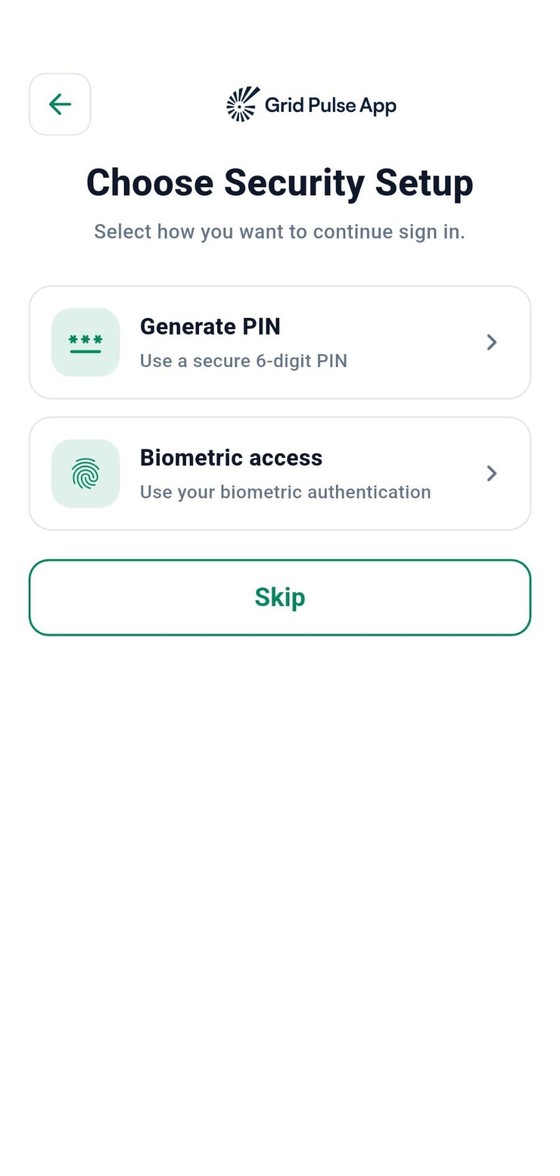
Android and iOS, with push notifications, PIN and fingerprint unlock, and a simple tab layout your team learns in minutes. Company setup happens in a web admin.
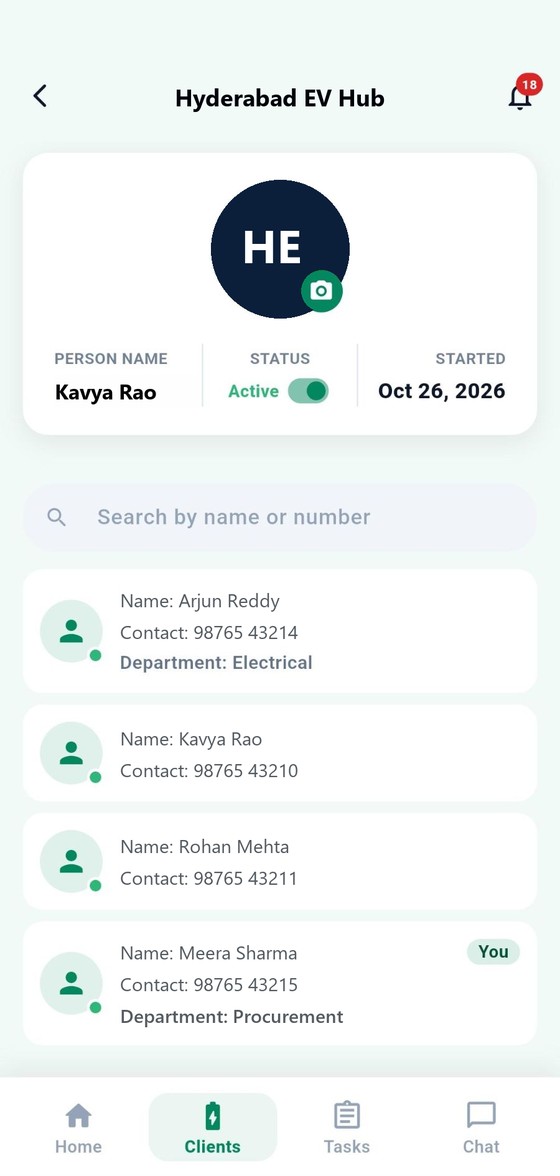
A channel for every client.
Onboarding a client creates a shared space that feels as easy as a chat app, with the structure a project needs.
Sample milestone with subtasks.
Milestones that roll up.
Create milestones for one client or share them across several. Break each into subtasks, assigned by AI or by hand.
- Status rolls up to milestone and project progress
- Admin and client both see progress live
- Task logs keep a record of what changed
Private sub-groups for owners.
Some conversations are for owners only. Create a room that both organisations' owners can see and nobody else can.
Your company
Client company
One dashboard for every client.
Admins see progress across all channels at a glance, then open any project to act.
Support after handover.
The relationship does not end at commissioning. Clients get help in the same place they followed the build.
An AI agent for first-line help
Clients describe a problem and get step-by-step troubleshooting for their device, any time of day.
Tickets routed by department
Unresolved issues become support tickets, visible to everyone in the channel and assigned to the right team.
Made to look like you and stay separate from everyone else.
Your brand
- White-label logo and onboarding slides on the login screens
- Configurable permissions for every employee
- Departments, roles and relationships set up your way
- Native apps for Android and iOS, plus a web admin
Secure by design
- A separate database and user base for every company
- PIN, fingerprint unlock and app lock
- Session revoke and password change from the app
- Platform administrators manage tenants only and cannot see channels, chats or tasks

See it with your own project.
We will set up a sample channel using one of your live projects.